autoticket
website design
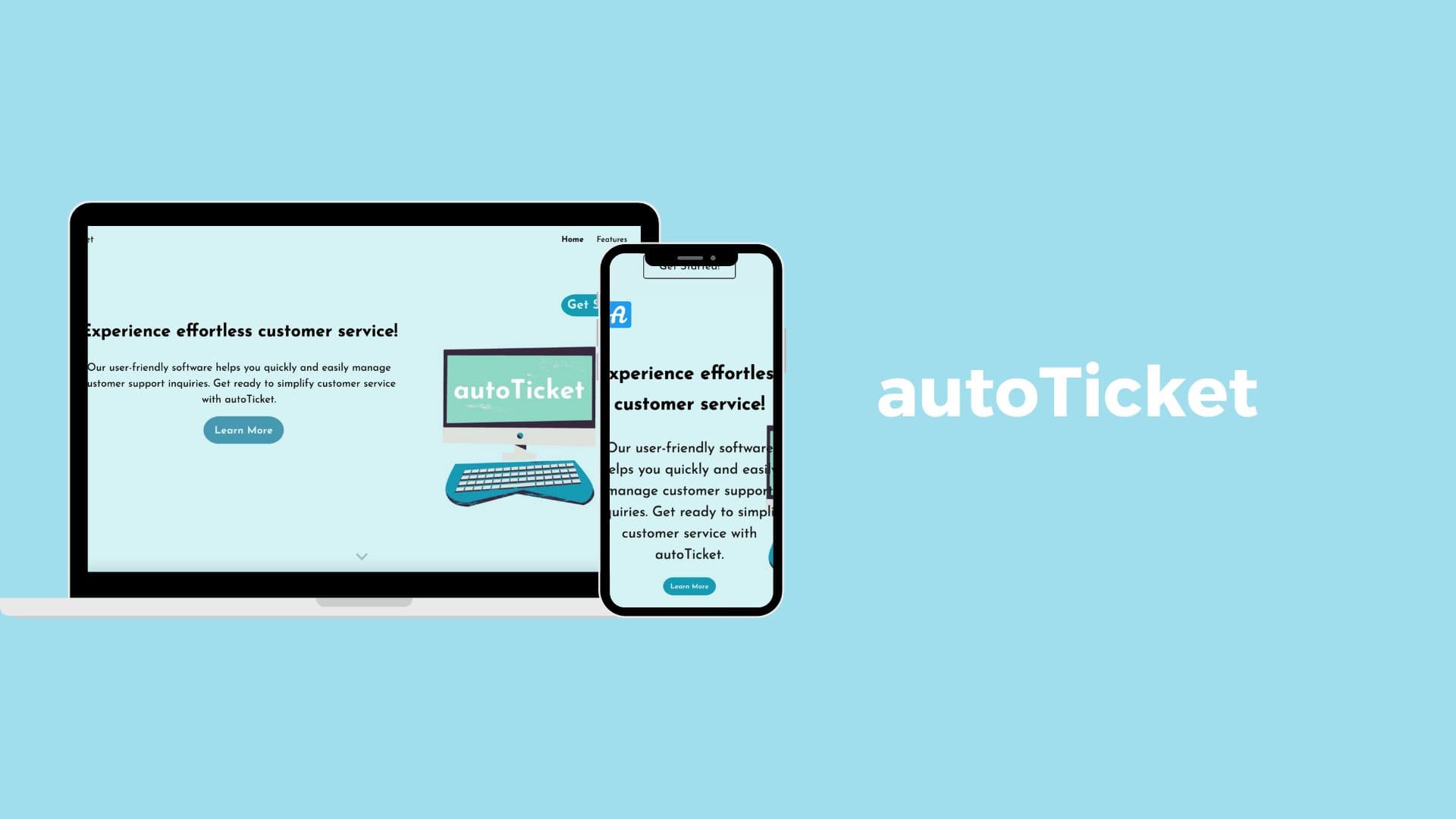
A modern, easy-to-use sales website that improves browsing, checkout clarity, and customer support discovery.
Overview
AutoTicket provides a customer support system and wanted a website refresh that felt modern, easy to navigate, and conversion-friendly. The goals were to improve the browsing + checkout experience, increase sales, and streamline customer service.
Problem
The experience didn’t clearly guide users toward purchasing or getting started. The brand also needed a visual identity that felt friendly and approachable while still communicating trust.
Process
- •Reviewed competitor sites + common conversion patterns
- •Created low-fidelity wireframes in Figma and tested early
- •Iterated navigation + flow before moving into UI design
- •Refined the visual tone based on user + client feedback

Process
- •Reviewed competitor sites + common conversion patterns
- •Created low-fidelity wireframes in Figma and tested early
- •Iterated navigation + flow before moving into UI design
- •Refined the visual tone based on user + client feedback
Key design decisions
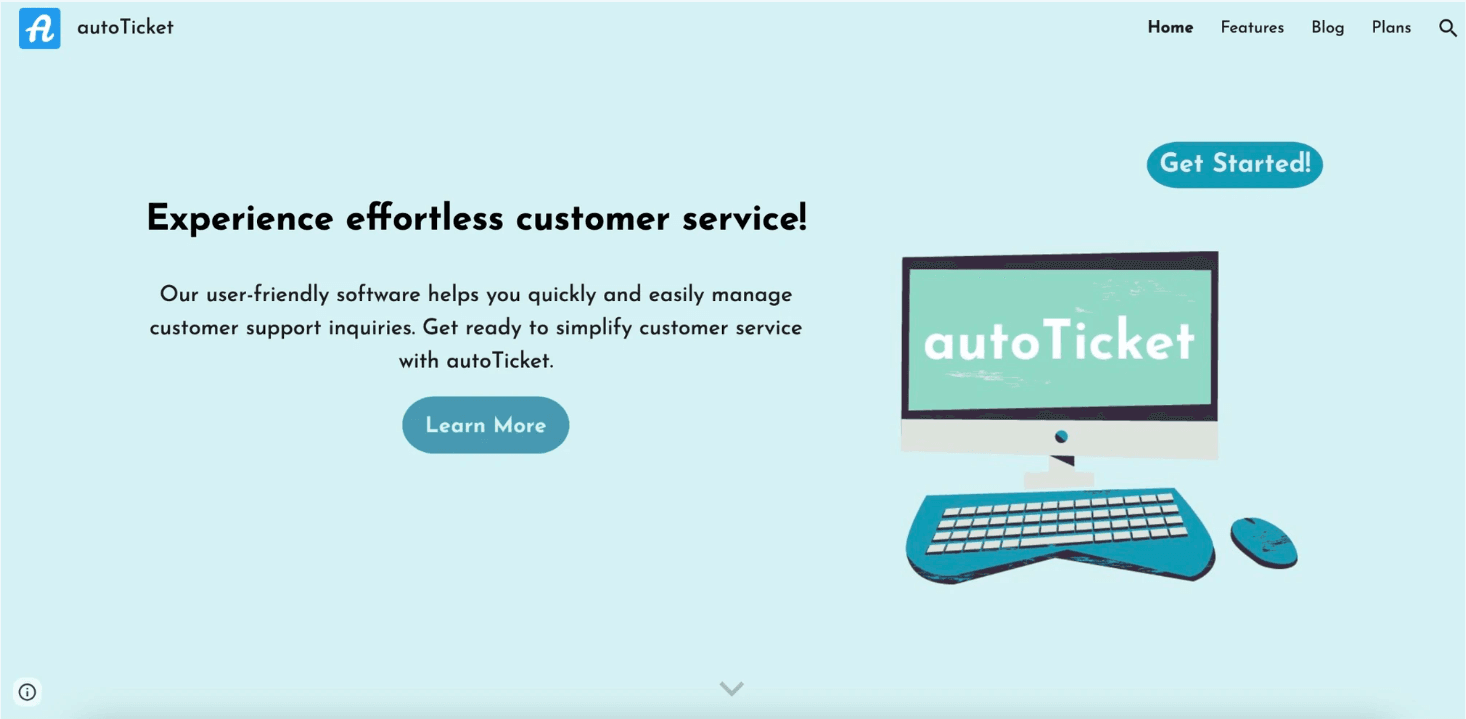
- •Added a prominent “Get Started” CTA at the top so users didn’t need to scroll to act.
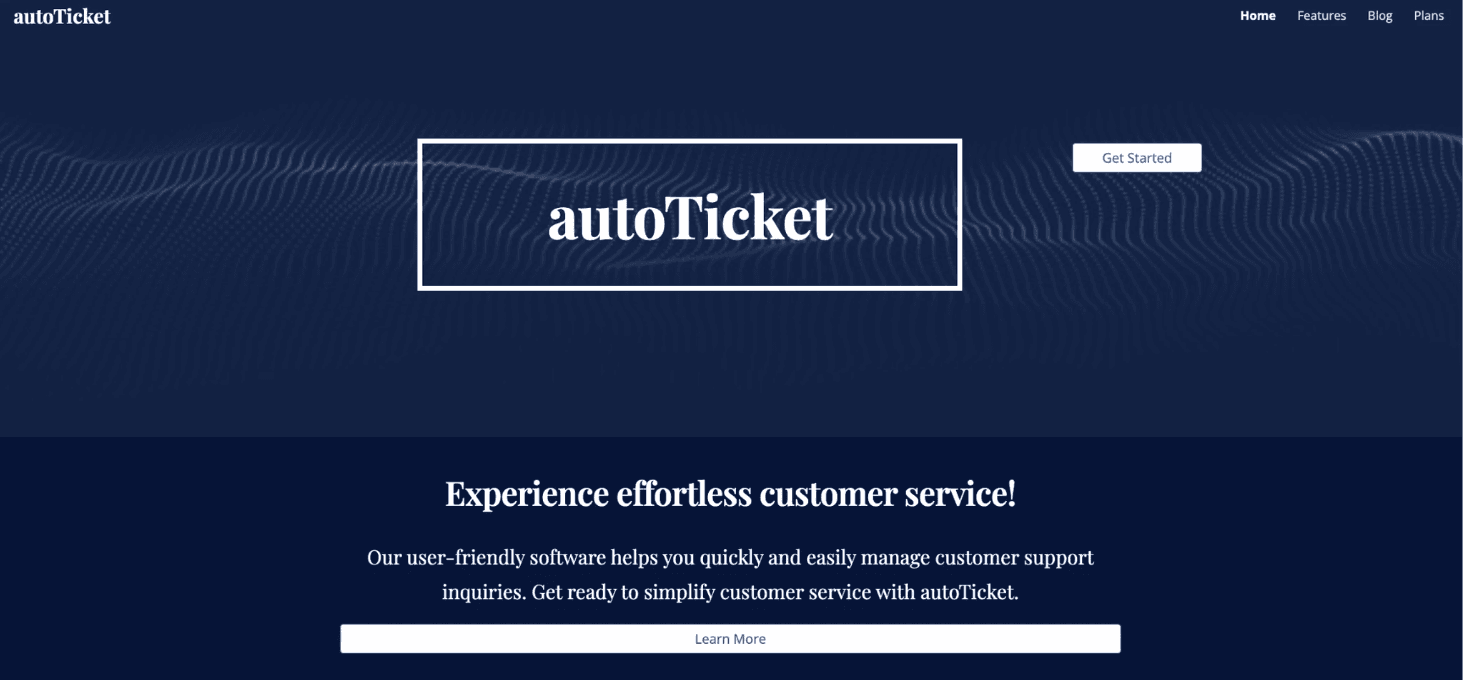
- •Shifted from a darker blue to a brighter palette + rounded UI to match the client’s friendly tone.
- •Used a conversion-first layout: hero → benefits → credibility → next step.
Constraints + challenges
Google Sites limited some design capabilities, so I researched workarounds to create custom-feeling elements (shaped buttons, unique backgrounds, and headers) while keeping the original vision intact.
User feedback
- •Users wanted a clearer and more immediate path to getting started
- •The darker color palette felt too corporate for the brand’s intended tone
- •Friendlier visuals and rounded elements improved approachability
What I learned
This project taught me how much color, typography, and UI tone influence trust and conversions - and how to work creatively within tooling constraints while still delivering a strong design.